What’s Improved?
We’ve refined the store deletion experience to ensure safer and more predictable behavior across the platform. Deleting a store will now only remove store-related pages, without impacting the rest of your website.
This update eliminates the risk of accidentally deleting the entire website when attempting to delete a store.
Key enhancements include:
Scoped Store Deletion
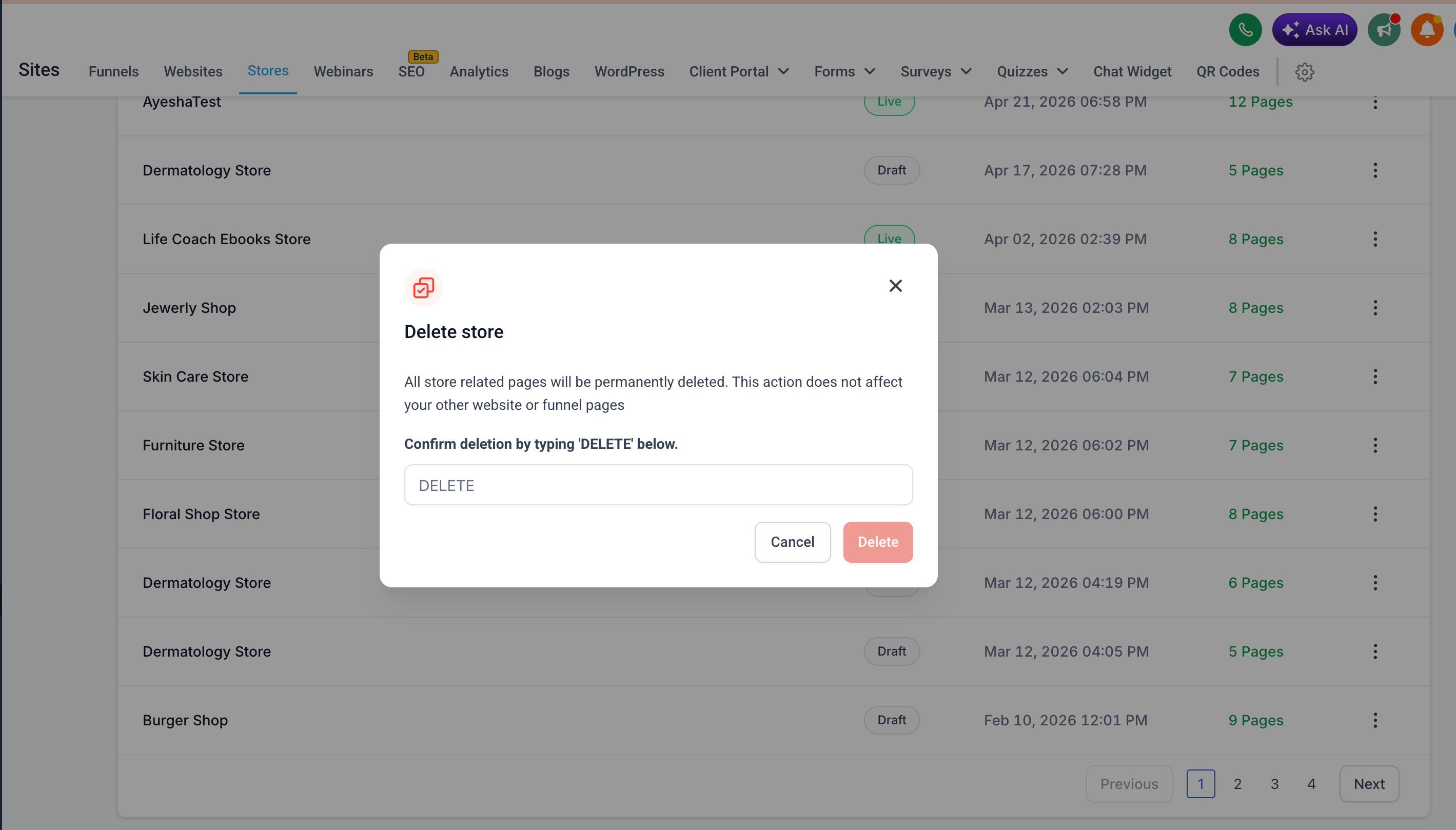
Deleting a store from the Stores list will now remove only store-specific pages Products List, Product Details, Cart, Checkout, Thank You).
Your main website pages (Home, About, etc.) will remain unaffected.
Consistent Behavior Across Entry Points
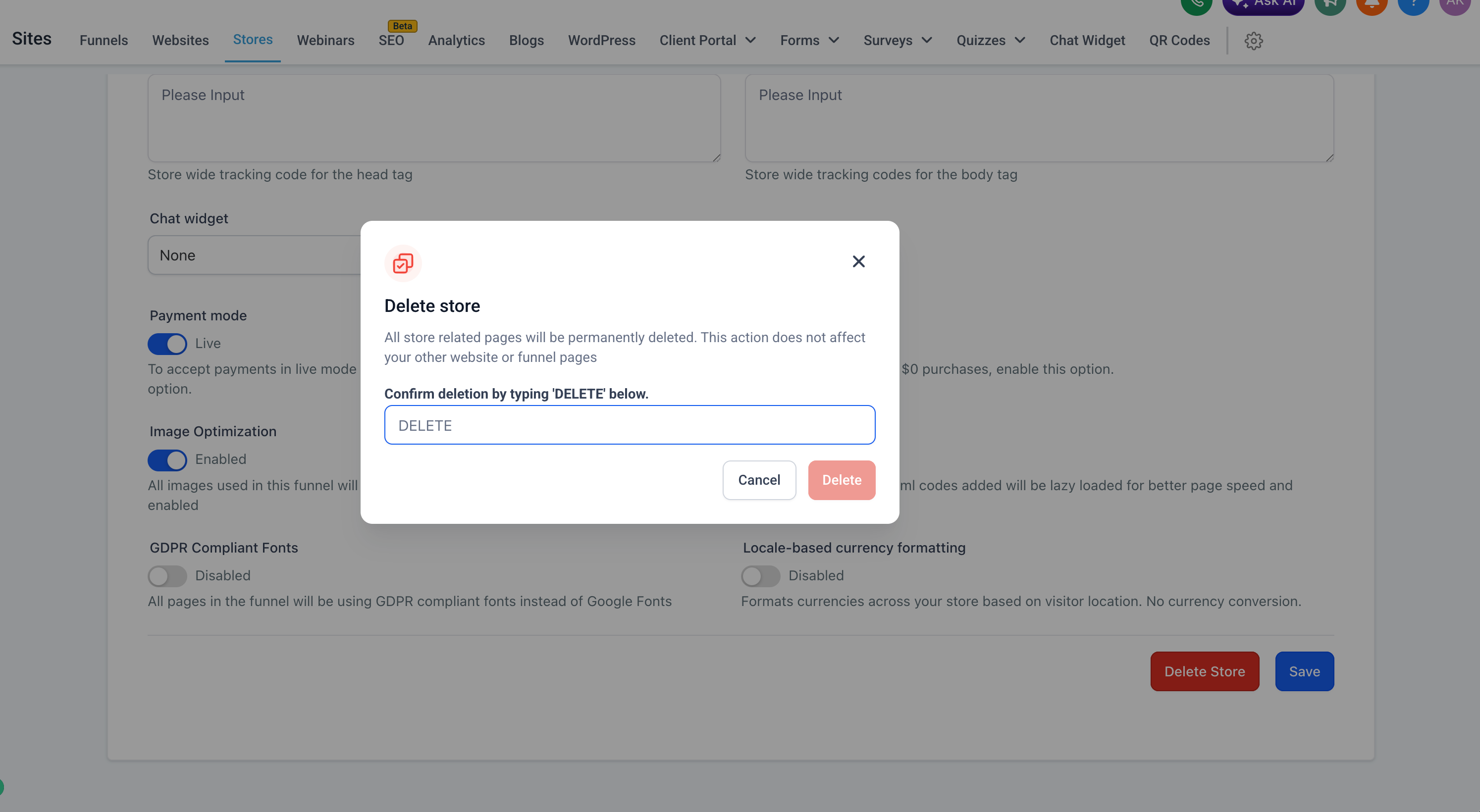
Deleting a store from Store Settings follows the same behavior — only store pages are deleted.
Ensures consistency regardless of where the delete action is triggered.
Website Deletion Remains Unchanged
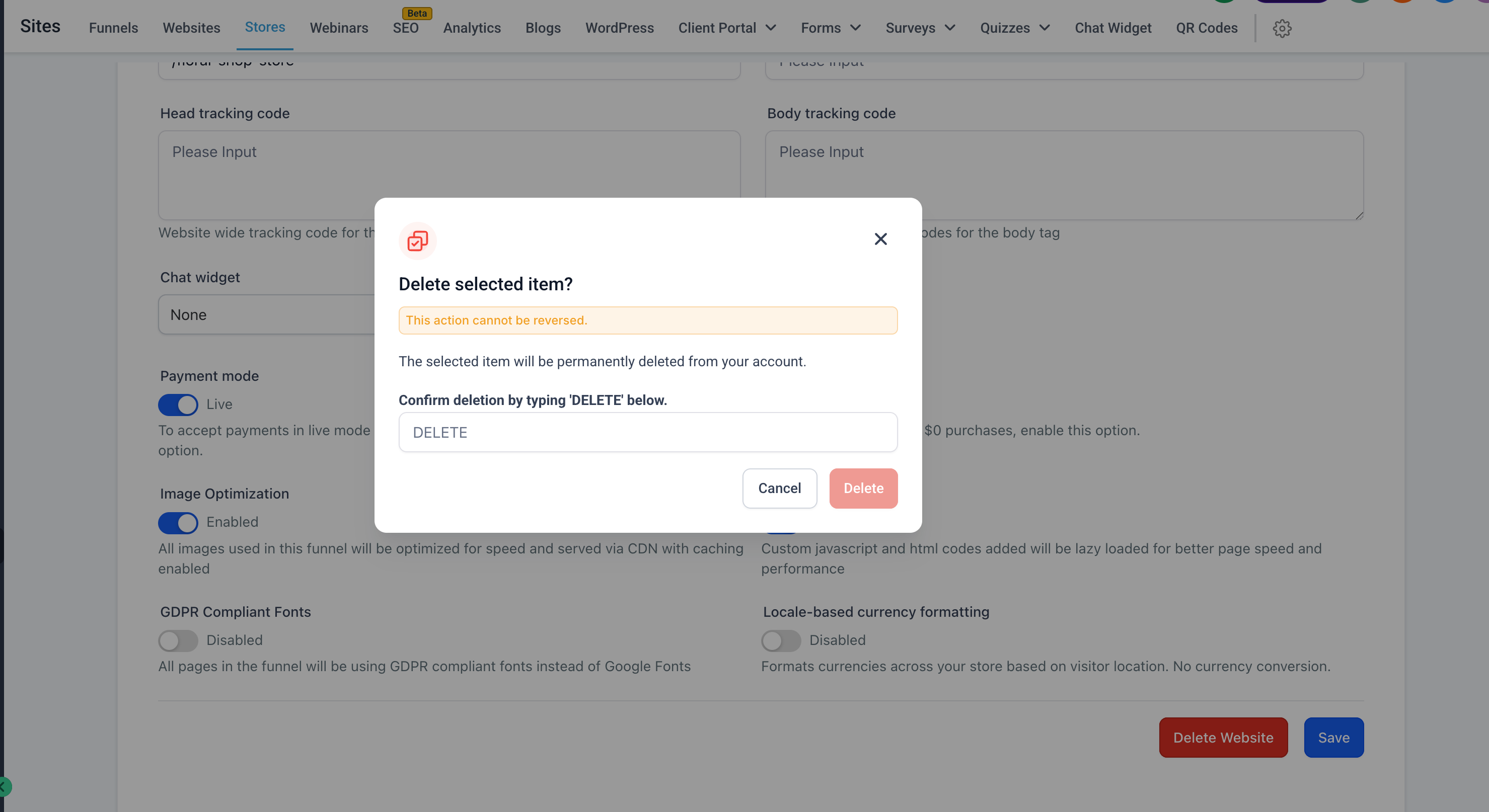
Deleting a website from the Websites section will continue to delete the entire website, including any associated store pages.
Clear separation between “Delete Store” and “Delete Website” actions.
Improved UI Clarity
Updated delete confirmation messaging to clearly communicate that only store-related pages will be deleted.
Reduces confusion and prevents unintended data loss.
How to Use It?
Navigate to Stores and select the store you want to delete.
Click on the three-dot menu or go into Store Settings.
Click on Delete Store.
Type DELETE in the confirmation modal and proceed.
Key Points to Note:
Only store pages are deleted — website pages remain intact.
Applies consistently across all store deletion entry points.
To delete the entire website (including store pages), use the Delete Website option under Website Settings.
This update significantly reduces the risk of accidental full-site deletion.
Image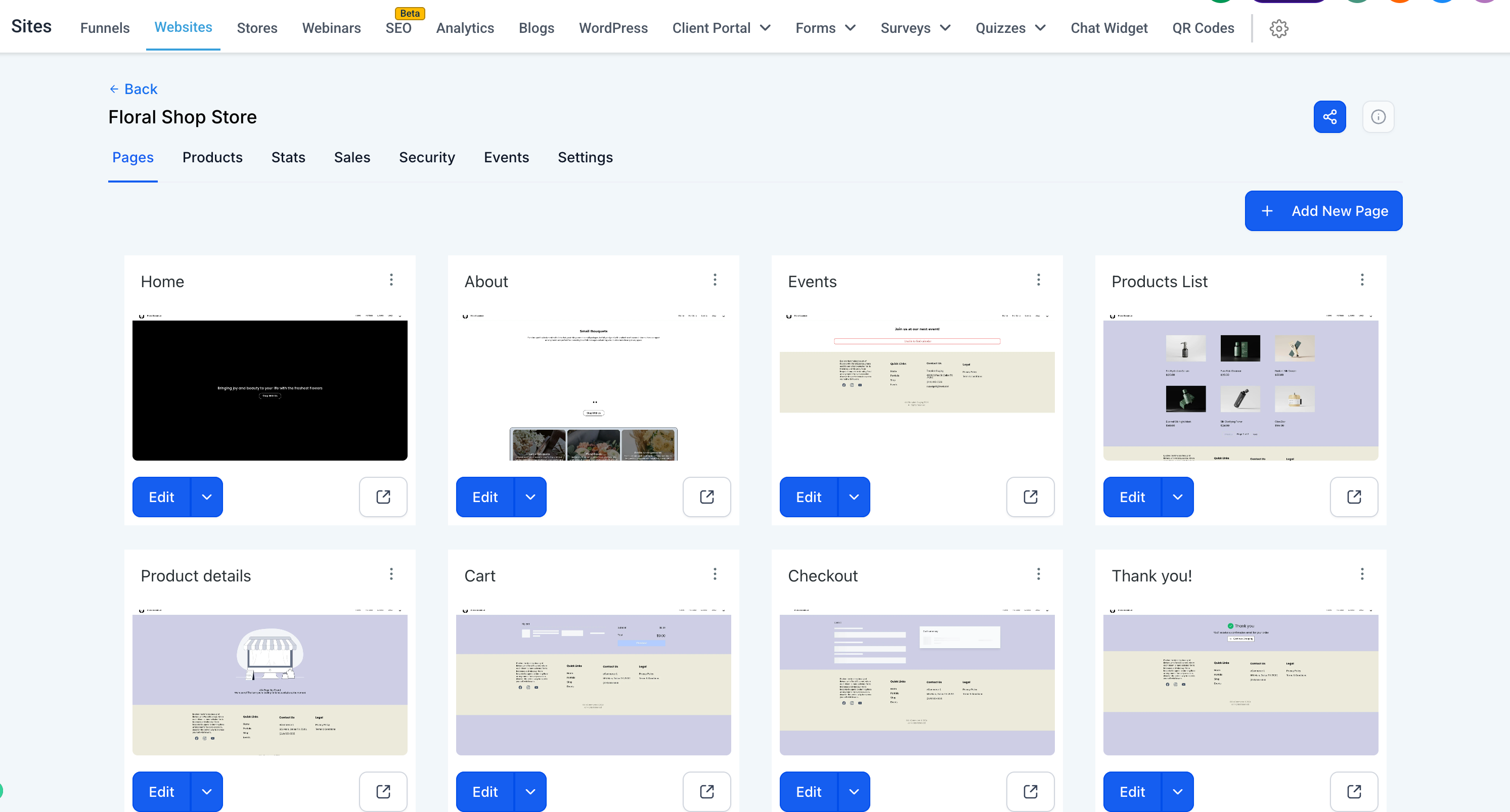
Was this article helpful?
That’s Great!
Thank you for your feedback
Sorry! We couldn't be helpful
Thank you for your feedback
Feedback sent
We appreciate your effort and will try to fix the article